Independent access
Visitors can start and complete standard service steps.
BUSINESS AND PUBLIC SERVICES
ili Kiosk can turn standard administrative and business processes into a clear self-service interface. Visitors select a service, enter the required information and move to the next step without searching for the right counter.
Suitable for administrative centres, corporate offices, service centres, educational institutions, utilities and other organisations with recurring visitor flows.
WHEN THE PROCESS IS CLEAR BUT ACCESS IS NOT
Many services begin with the same steps: selecting a service, identification, entering information, issuing a number or payment. ili Kiosk can add a self-service point for these operations and make the process clearer.
Visitors can start and complete standard service steps.
Part of the administrative process can be automated with suitable integration.
The system can show a number, counter, zone or next step.
The kiosk complements traditional service points.
FROM SELECTION TO THE NEXT STEP
The visitor selects the service, category or reason for the visit.
When required, they use a code, QR, barcode, NFC or another supported method.
They enter or confirm the information required by the process.
A request, queue number, payment, confirmation or another operation is completed through the integrated system.
The visitor receives a number, document, QR code, instructions or next-step information.
The specific process is determined by the service and software.
THE RIGHT SERVICE FROM THE START
ili Kiosk can present services in clear categories and help visitors choose the right process before joining a queue or moving to the next step.
FROM A PAPER FORM TO SELF-SERVICE
When the software allows it, visitors can enter information through the touch interface and create a request or begin an administrative process.
Legal validity and submission method depend on the service and any required qualified mechanisms.
THE RIGHT QUEUE
With a queue-management integration, ili Kiosk can be the point where visitors select a service and receive a queue number.
Select → register → number → waiting zone → serviceQueue-management functionality requires integration with the corresponding platform.
WHEN THE VISIT IS PLANNED
With a suitable integration, visitors can find a booked meeting or appointment using a QR code, booking reference or another identifier.
PAYMENT WHEN THE SERVICE REQUIRES IT
ili Kiosk can include an integrated payment terminal for services that require a fee, product payment or another amount.
The specific integration depends on the payment operator, terminal and business software.
WHEN THE PROCESS REQUIRES A DOCUMENT
Projects involving documents can add suitable scanners, NFC or document-reader modules after the exact technical requirements are defined.
WHEN A PHYSICAL RESULT IS REQUIRED
The system can include a suitable print module for processes where the visitor needs a physical document.
INFORMATION COMES BEFORE THE REQUEST
ili Kiosk can combine information and transactional functionality: first explaining the service and required steps, then letting the visitor begin the process.
A SERVICE IN A CLEAR LANGUAGE
With suitable software, the self-service interface can be developed in more than one language for the organisation and its visitors. Translation is prepared for the project; it is not automatic.
CLEARER ACCESS TO DIGITAL SERVICES
The interface can be designed with accessibility principles such as clear contrast, sufficiently large touch targets, readable typography and simplified navigation.
CONNECTED TO THE REAL PROCESS
ili Kiosk provides the self-service hardware point. Actual functionality is built through integration with the organisation's administrative, business, booking, payment or other systems.
Integration options are determined after analysing the software and available APIs/interfaces.
PERSONAL DATA AND SECURITY
Self-service administrative processes often involve personal data. Every project must define what data is needed, who can access it and how long it should be retained.
Collect only information required for the service.
Access must be managed through the relevant systems and permissions.
Visitors should understand why data is requested.
Retention and deletion follow the purpose and organisation's policies.
A MODEL FOR THE PLACE AND PROCESS
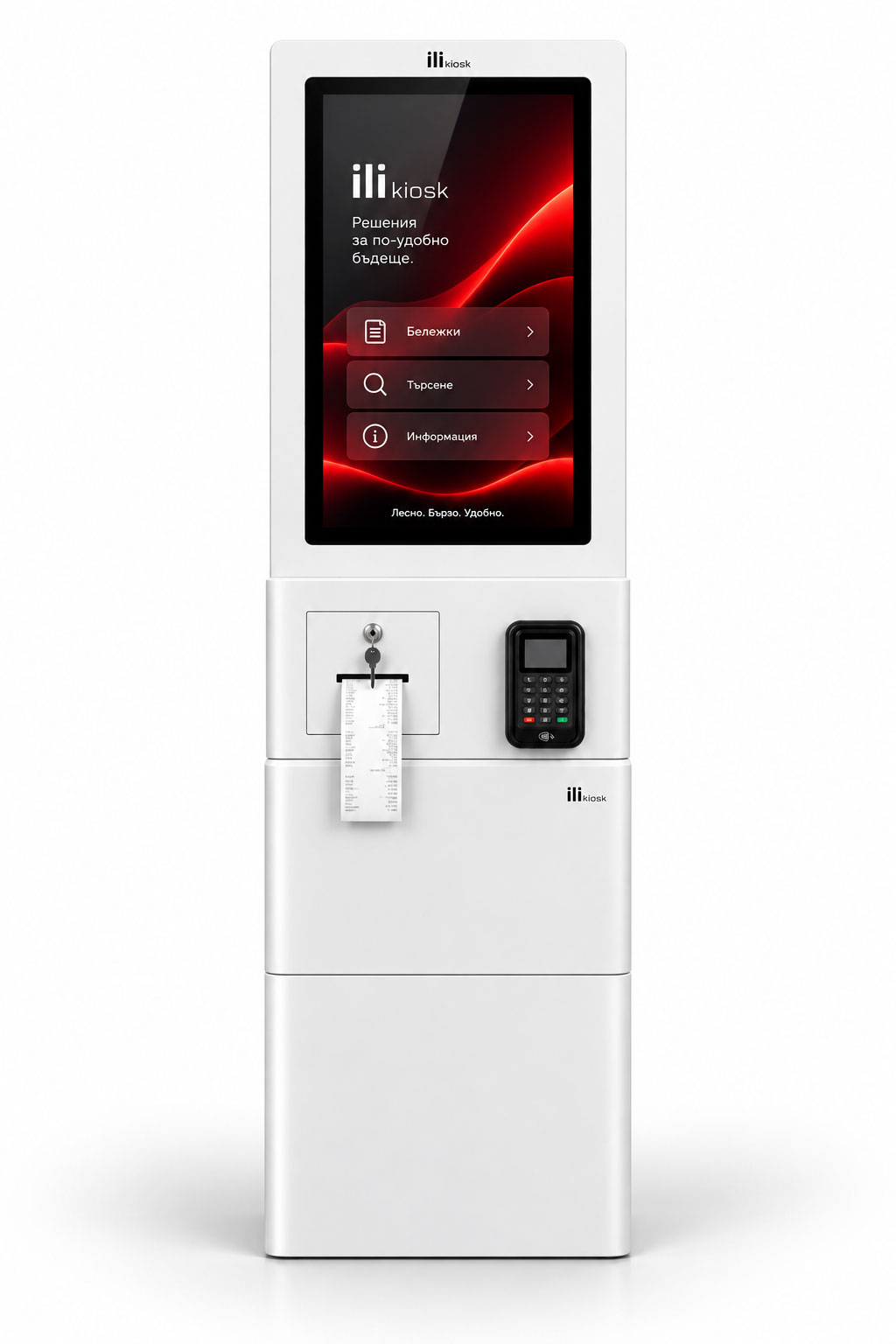
A freestanding self-service point for entrance zones, administrative centres and spaces with constant visitor flow.
View ili One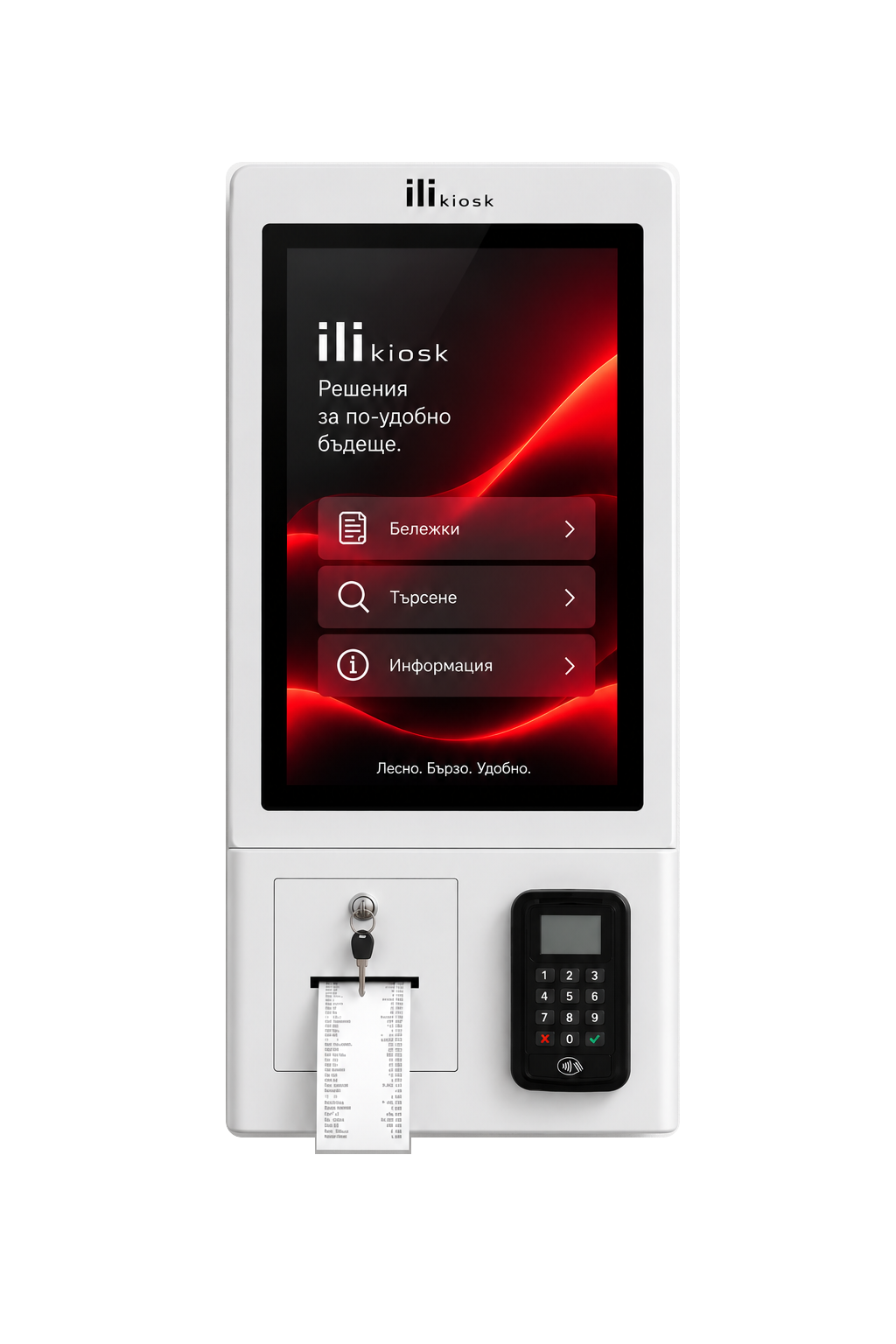
A compact wall- or countertop-mounted system for reception and service centres with limited space.
View ili Compact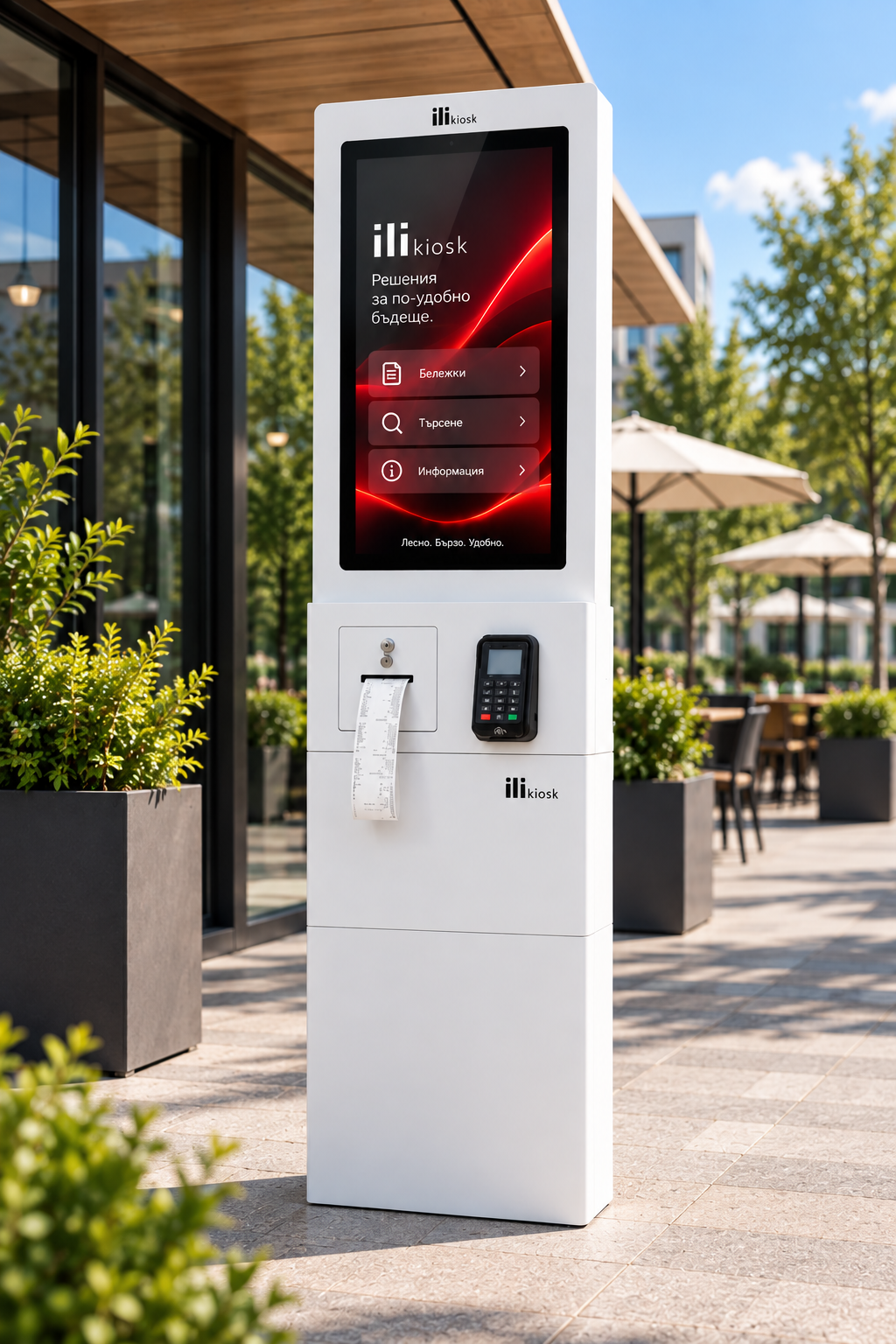
For projects where the self-service point must operate outdoors.
View ili OutdoorFOR DIFFERENT ORGANISATIONS
DESIGNED AND SUPPORTED HERE
ili Kiosk is designed and manufactured in Bulgaria by PC Life. We analyse how the service works and configure the hardware, peripherals and integration around the real process.
Configuration for the specific service.
NFC, scanner, camera, printer, payment and other components as needed.
Analysis of connections to existing business and service systems.
Local technical support and equipment service.
FREQUENTLY ASKED QUESTIONS
This depends on the software and integration. Possible processes include service selection, registration, information submission, queue numbers, payment, enquiries and other self-service operations.
Yes, with a suitable queue-management integration.
This is possible when the service and software support digital data entry. Legal validity and submission method depend on the specific process.
Yes. ili Kiosk can include a payment terminal for services with the required integration.
This depends on the document, reader hardware, required technology and software. It is not standard in every configuration.
Yes, when integrated with a booking or appointment system that provides the required interface.
A printer for the specific document type can be integrated in a suitable configuration.
The interface can be developed in several language versions for the project.
This depends on the system and available APIs or interfaces. Every project is assessed individually.
YOUR SERVICE. YOUR SELF-SERVICE PROCESS.
Tell us how service works today, which systems you use and what visitors should be able to do independently. We will propose a suitable model, peripherals and integration approach.