Additional sales point
The kiosk can operate alongside the traditional ticket desk.

TICKETS
ili Kiosk can be configured as a self-service point for ticket sales, collection or validation. Customers select a service, event or ticket category, complete the required steps and receive a ticket or digital confirmation through the connected system.
Suitable for museums, attractions, events, transport locations, sports centres, tourism sites and other places with organised visitor flow.
WHEN THE TICKET DESK IS NOT ENOUGH
At busy times, the ticket desk can become a bottleneck. ili Kiosk adds a self-service point where visitors can select a ticket, pay and receive the required document or code.
The kiosk can operate alongside the traditional ticket desk.
Visitors choose a category, date, time or another option available in the system.
With suitable integration, payment can be completed directly at the kiosk.
After a successful transaction, the system can print a ticket or display a digital code.
FROM SELECTION TO ENTRY
The visitor selects an event, service, route, date, time or ticket category.
They review the selected options and price supplied by the ticketing system.
With a suitable configuration, payment is completed through an integrated terminal.
The system prints a ticket or displays a QR / barcode for the specific process.
The ticket can be used at an entrance, gate or control point when the system supports it.
The exact process depends on the ticketing / booking system and integration approach.
DIFFERENT TICKETS. ONE INTERFACE.
Available ticket types, prices and rules are defined by the ticketing system, not by the kiosk itself.
DIGITAL OR PRINTED TICKET
ili Kiosk can be part of a ticketing process that provides a printed document, QR code, barcode or another format supported by the selected system.
The ticket format is defined by the ticketing platform and project.
ALREADY HAVE A RESERVATION?
With suitable integration, visitors can use a reservation number, QR code or another identifier to find an advance order and collect the ticket at the kiosk.
Compatibility depends on the booking or ticketing system.
ON-SITE PAYMENT
ili Kiosk can include an integrated payment terminal when the process supports direct ticket purchase.
Payment integration depends on the terminal, operator and software.
WHEN A PHYSICAL TICKET IS NEEDED
The system can use a suitable printer for a ticket, fiscal receipt, voucher or other printed material selected for the project.
Not every printer supports every media type.
TICKET VALIDATION
For selected applications, ili Kiosk can scan or verify a previously issued ticket through a QR / barcode module when the ticketing system supports the required validation process.
Checking a ticket.
Confirming a booking.
Confirming eligibility for access.
Redeeming a voucher.
Validation logic is managed by the integrated ticketing or access-control system. ili Kiosk is not an access gate by itself.
FOR LOCAL AND INTERNATIONAL VISITORS
With suitable software, the interface can be developed with multilingual support for tourism sites, transport points and international events. Translation is prepared as part of the software project; it is not automatic.
CONNECTED TO THE TICKETING SYSTEM
ili Kiosk provides the self-service hardware point. Events, availability, tariffs, reservations and ticket logic come from the ticketing or booking system.
Integration options are determined after analysing the software and available APIs/interfaces.
A MODEL FOR THE LOCATION
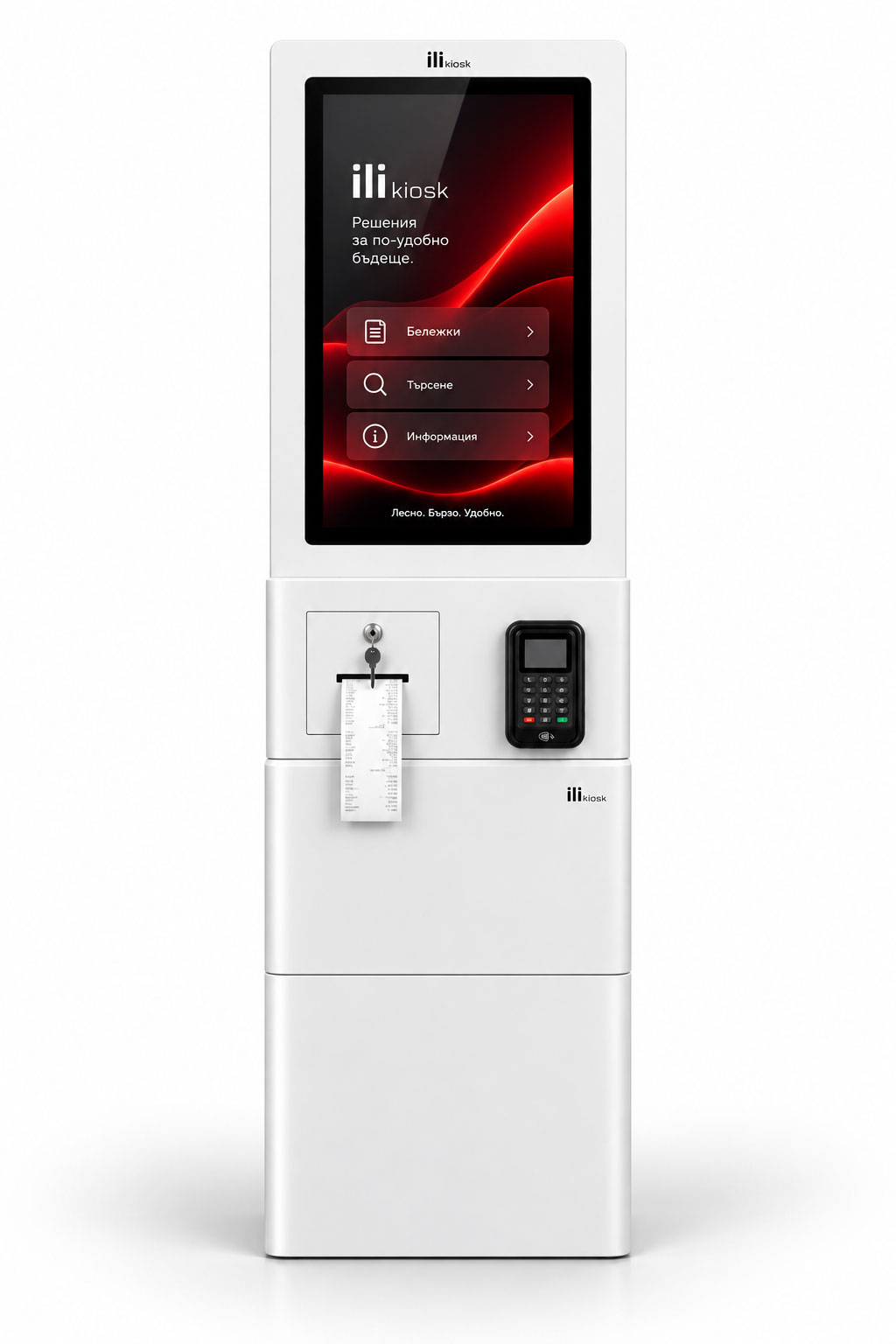
A freestanding system for ticket zones, lobbies, museums and attractions.
View ili One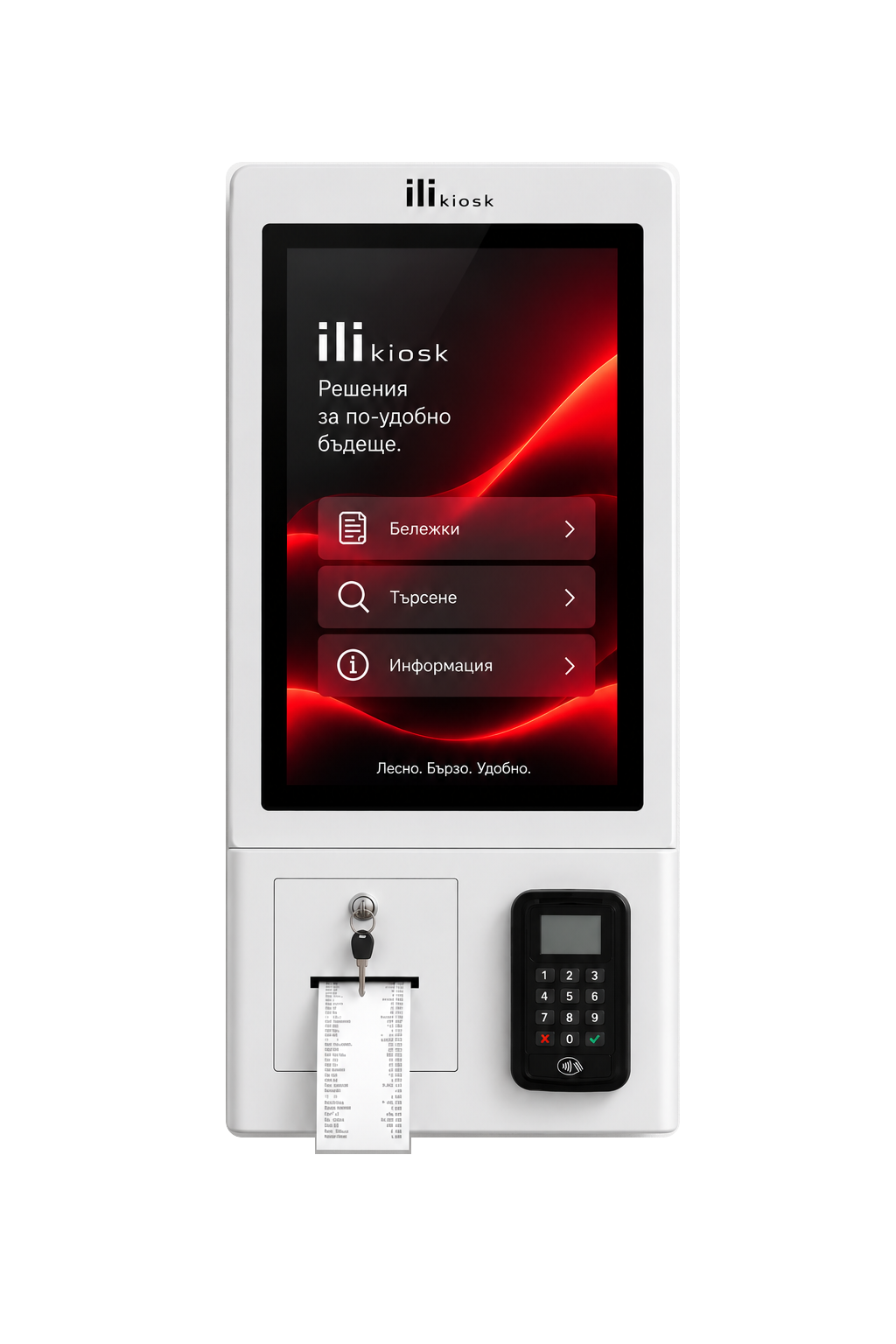
A compact wall- or countertop-mounted additional ticket point.
View ili Compact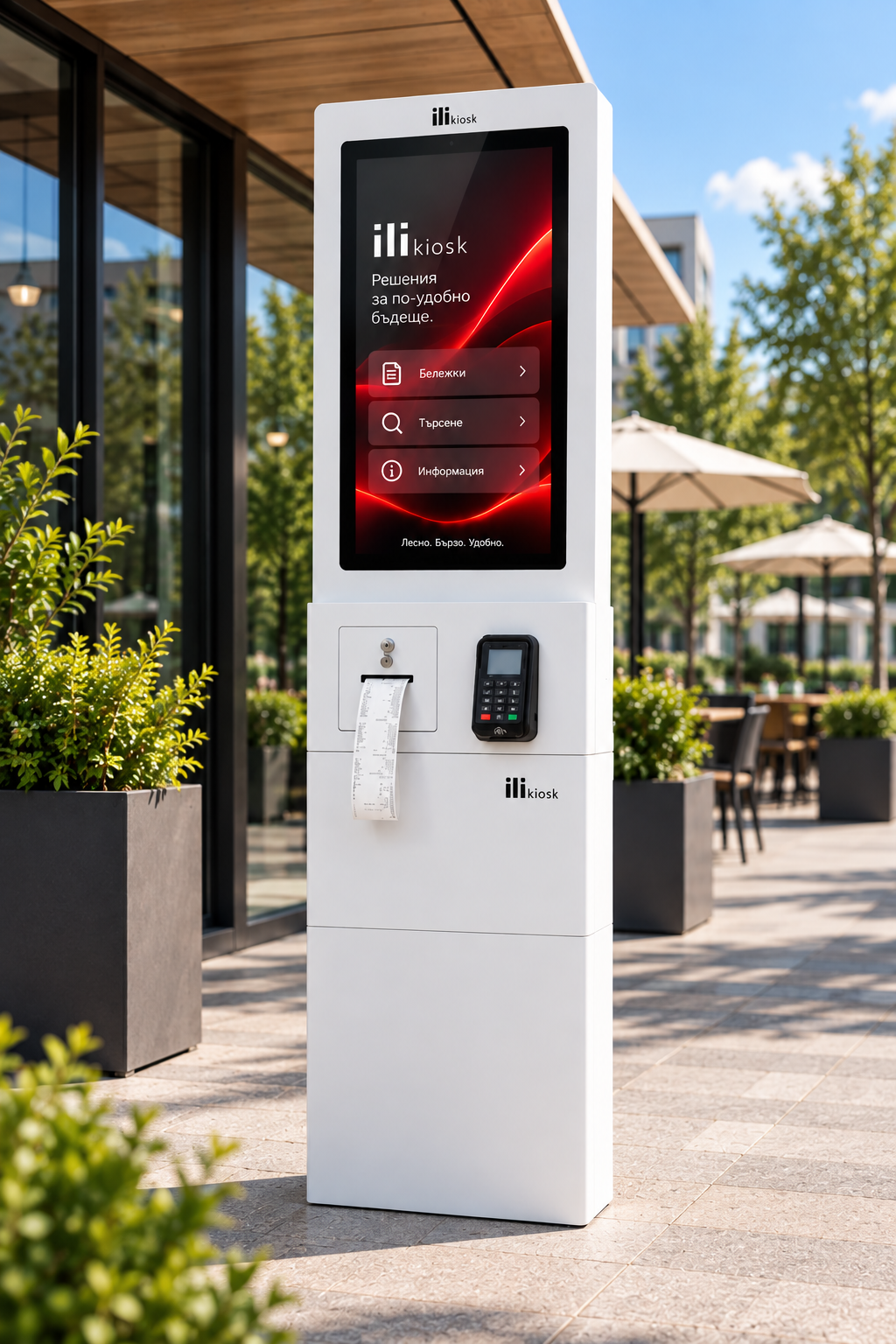
For projects where the ticketing point must operate outdoors.
View ili OutdoorFOR DIFFERENT TICKETING SCENARIOS
NEED REGISTRATION, NOT A TICKET?
For visitor registration, QR check-in, queue numbers and incoming-flow management, see the dedicated check-in page.
Reception and Check-inDESIGNED AND SUPPORTED HERE
ili Kiosk is designed and manufactured in Bulgaria by PC Life. We approach the project as a combination of hardware, peripherals, ticketing integration, payment, printing and ongoing support.
Configuration for the ticketing process.
Payment, QR / barcode and printer modules selected for the application.
Analysis of the ticketing or booking-platform connection.
Local technical support and equipment service.
FREQUENTLY ASKED QUESTIONS
Yes, when integrated with the relevant ticketing system. The kiosk can provide the interface for selection, payment and ticket delivery.
Yes. A printer for the specific ticket or document type can be integrated in a suitable configuration.
Yes, if the ticketing system supports QR tickets. The code can be printed or displayed according to the project.
This is possible with a booking or ticketing integration that supports lookup by reservation number, QR code or another identifier.
Yes, when equipped with a suitable QR or barcode scanner and integrated with a system supporting ticket validation.
Yes. The system can include an integrated payment terminal. The specific integration depends on the operator and software.
ili Outdoor can be used for outdoor projects, with the configuration selected for the environment and application.
This depends on the platform and available APIs or interfaces. Every project is assessed individually.
YOUR TICKETING PROCESS. YOUR CONFIGURATION.
Tell us what tickets you sell, which ticketing system you use, how payment works and what visitors should receive. We will propose the right model, peripherals and integration approach.