Self check-in
Patients can confirm arrival using a supported identifier or appointment.

HEALTHCARE
ili Kiosk can automate part of the administrative arrival process at a medical centre, laboratory, diagnostic centre or another healthcare organisation. Patients can find an appointment, select a service, confirm information and receive their next-step directions.
Suitable for medical centres, hospitals, laboratories, diagnostic centres and other facilities with a constant flow of patients and visitors.
WHEN RECEPTION IS THE FIRST QUEUE
With a high patient flow, reception time is often spent on recurring tasks: finding an appointment, selecting a service, confirming data and issuing a number. ili Kiosk can add a self-service point for these processes.
Patients can confirm arrival using a supported identifier or appointment.
Some standard administrative steps can be automated.
The system can show a room, zone, floor or next step.
The kiosk complements reception at busy times.
FROM THE ENTRANCE TO THE RIGHT ROOM
The patient uses an appointment number, QR code, barcode, another code or manual entry as supported.
The system shows visit details or allows selection of an appropriate service.
The patient confirms the administrative information required by the process.
A queue number or confirmation can be issued through an integrated system.
The patient receives room, department, waiting-zone or next-step information.
The specific process depends on the organisation's medical software and integrations.
APPOINTMENT
With a suitable integration, ili Kiosk can find a pre-booked visit and confirm that the patient has arrived.
The identification method and available information are determined by the medical or booking software.
WITHOUT A PRIOR APPOINTMENT
With a suitable process, patients can select a service, referral, laboratory test or another administrative category through the touch interface.
FROM REGISTRATION TO THE QUEUE
When the medical centre uses queue management, ili Kiosk can be the interface through which patients select a service and receive a queue number.
Service selection → registration → number → waiting zone → serviceQueue-management functionality requires integration with the corresponding software system.
AFTER REGISTRATION
After registration, ili Kiosk can show a room, floor, zone or department using data from the integrated system.
PAYMENT WHEN PART OF THE PROCESS
With a suitable configuration, ili Kiosk can include a payment terminal for services paid on site.
The specific payment integration depends on the software, terminal and payment operator.
IDENTIFICATION AND DOCUMENTS
Projects requiring identification or document handling can add specialised modules after the exact technical and legal requirements are defined.
ACCESS TO INFORMATION
With suitable integration, the kiosk can support access to administrative information or document/result readiness when the organisation and its software allow it.
Access to sensitive information must use appropriate identification, access rights and protection for the project.
A CLEAR INTERFACE FOR MORE PATIENTS
With suitable software, the interface can be developed in more than one language for centres serving international patients or tourist flows. Translation is prepared for the project; it is not automatic.
PERSONAL AND HEALTH DATA
Healthcare organisations process highly sensitive information. Every project must define what data the kiosk needs, how patients are identified and which systems it can access.
Use only the information required for the operation.
Integrated systems must manage access to sensitive data.
The UI and physical placement must reflect the sensitivity of displayed information.
Patients should understand why information is requested.
CONNECTED TO THE MEDICAL PROCESS
ili Kiosk provides the self-service hardware point. Actual functionality is built through integration with the organisation's medical, booking, queue-management, payment and other systems.
Integration options are determined after analysing the software and available APIs/interfaces.
A MODEL FOR THE SPACE
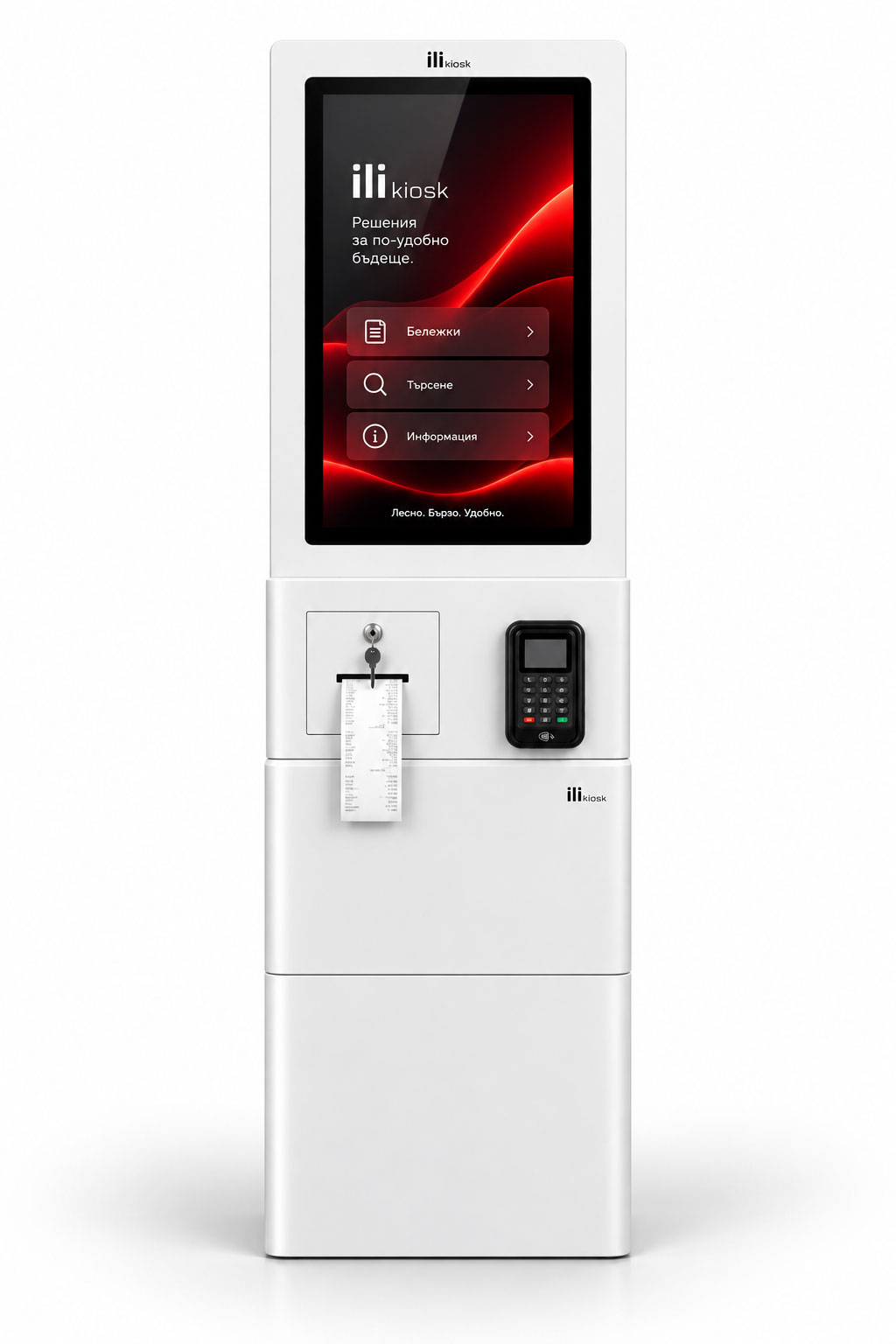
A freestanding self-service point for entrance zones, reception areas and spaces with a constant patient flow.
View ili One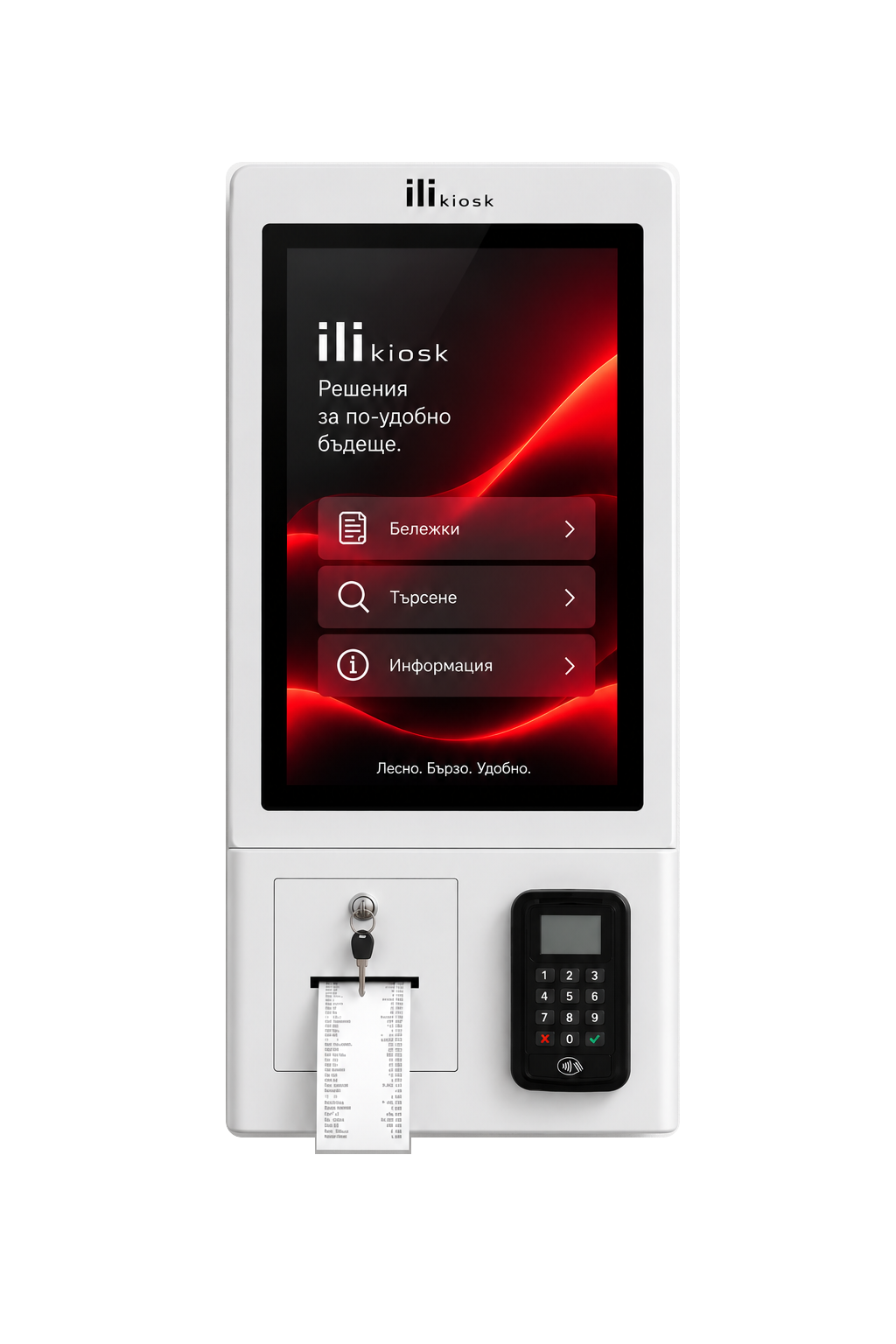
A compact wall- or countertop-mounted system for reception areas, laboratories and limited spaces.
View ili CompactFOR DIFFERENT HEALTHCARE ORGANISATIONS
NOT A MEDICAL PROCESS?
For business buildings, offices, events and other visitor-management scenarios, use the dedicated check-in page.
Reception and Check-inDESIGNED AND SUPPORTED HERE
ili Kiosk is designed and manufactured in Bulgaria by PC Life. We approach every project as a combination of hardware, peripherals, integration, implementation and ongoing technical support.
Configuration for the specific application.
QR, barcode, NFC, printer, payment and other modules as needed.
Analysis of connections to medical and administrative software.
Local technical support and equipment service.
FREQUENTLY ASKED QUESTIONS
Depending on the integration, it can support patient check-in, appointment lookup, service selection, queue-number issuance and routing to a room or zone.
Yes, when the kiosk is integrated with the relevant booking or medical system.
Yes, with a queue-management system integration.
Yes, when the system includes a payment terminal and the required software integration.
This depends on the document, reader hardware, required technology and software integration. It is not standard in every configuration.
Only with suitable identification, access rights and integration. Such projects require special care for sensitive-data protection.
The interface can be developed in different language versions for the project.
ili One suits a freestanding entrance or lobby point, while ili Compact is suitable for wall or countertop mounting.
YOUR PATIENT FLOW. YOUR CONFIGURATION.
Tell us how registration works today, which software you use and what patients should be able to do independently. We will propose a suitable model, peripherals and integration approach.